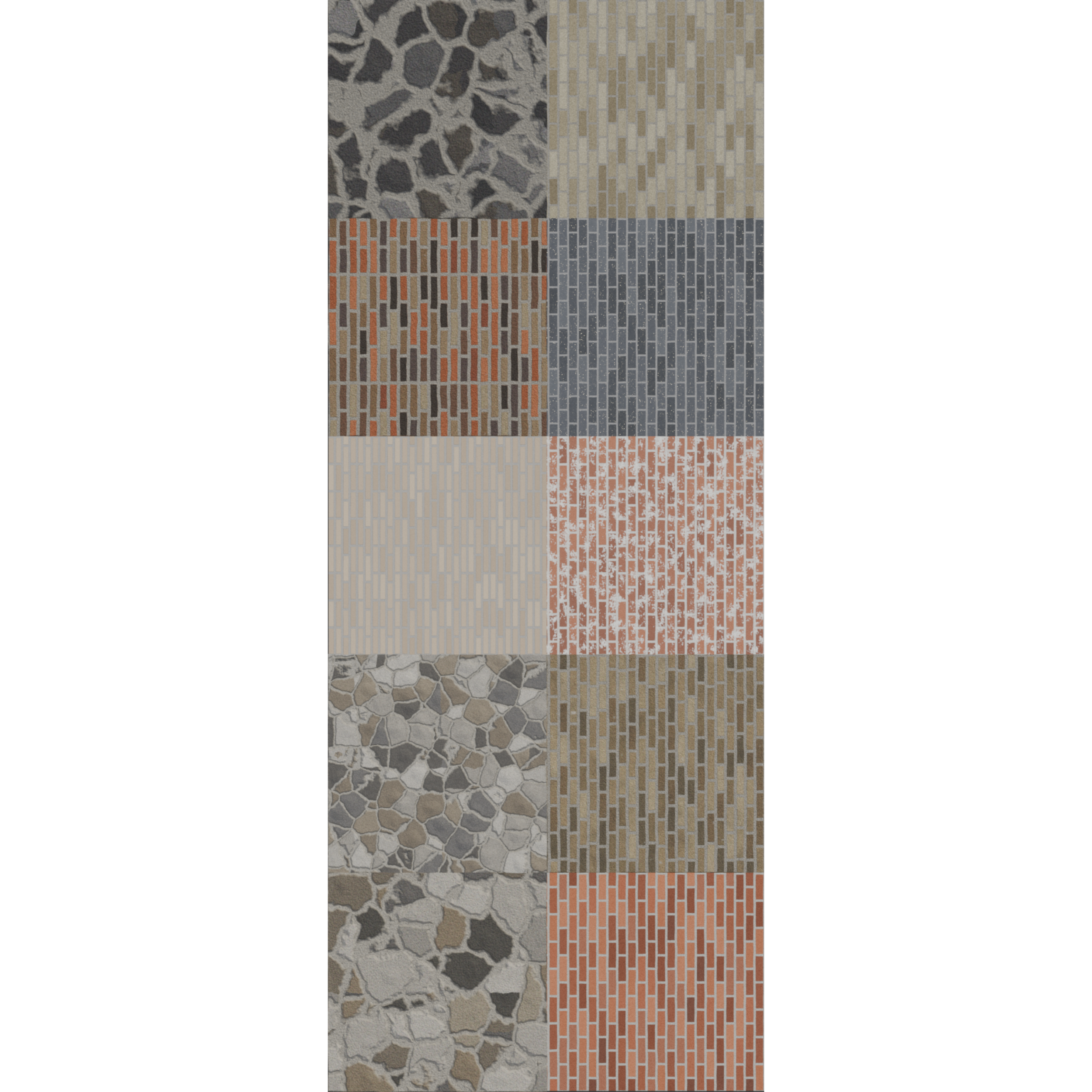
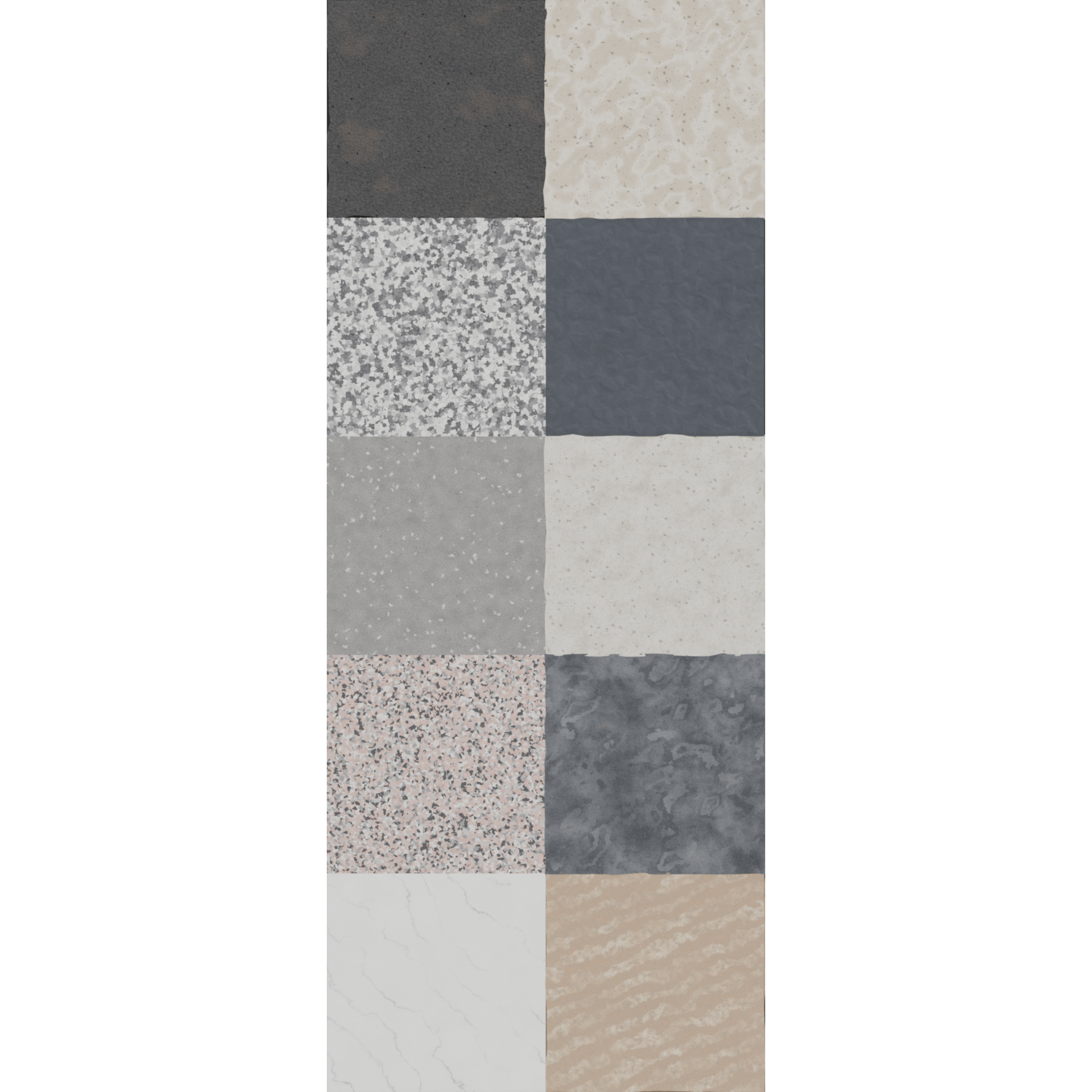
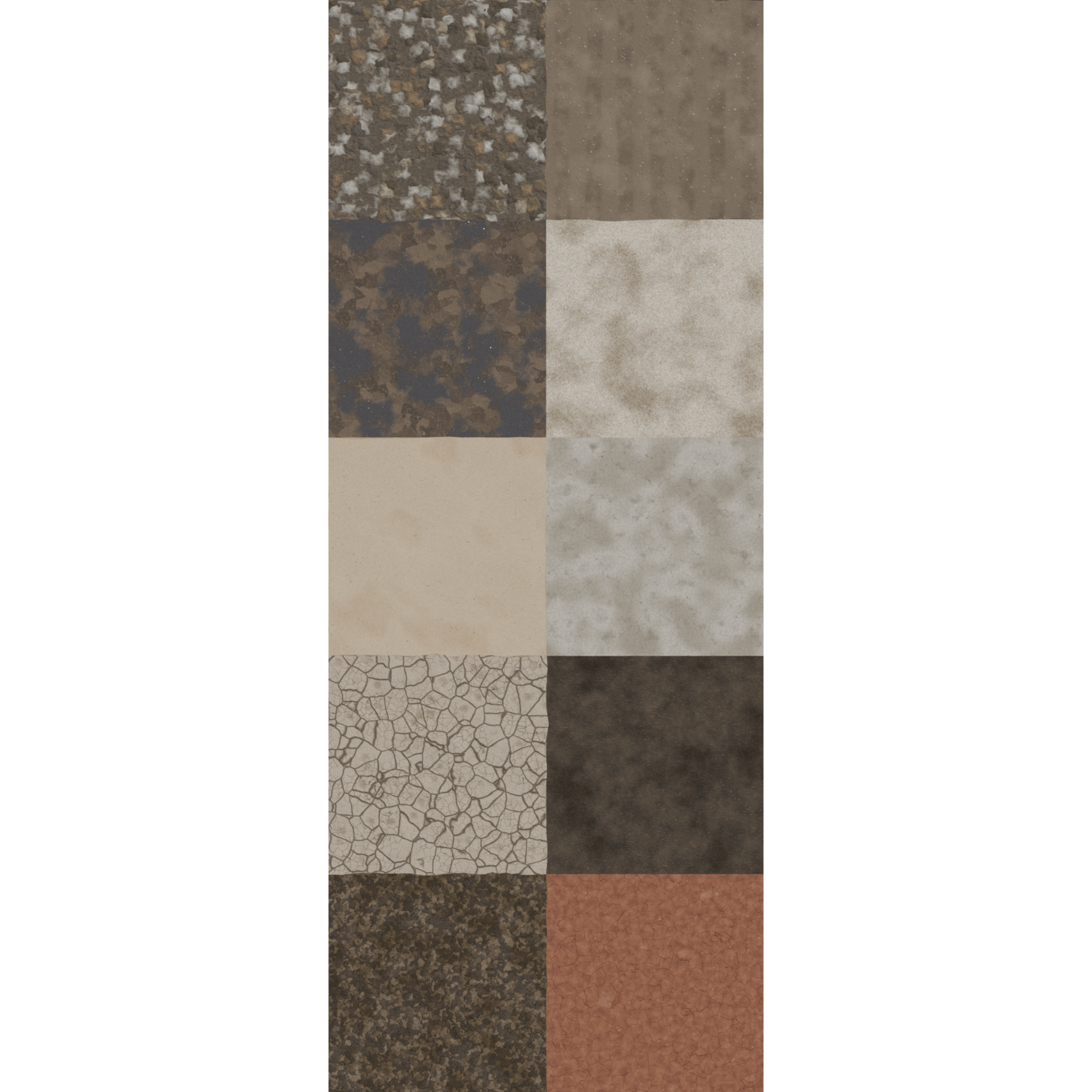
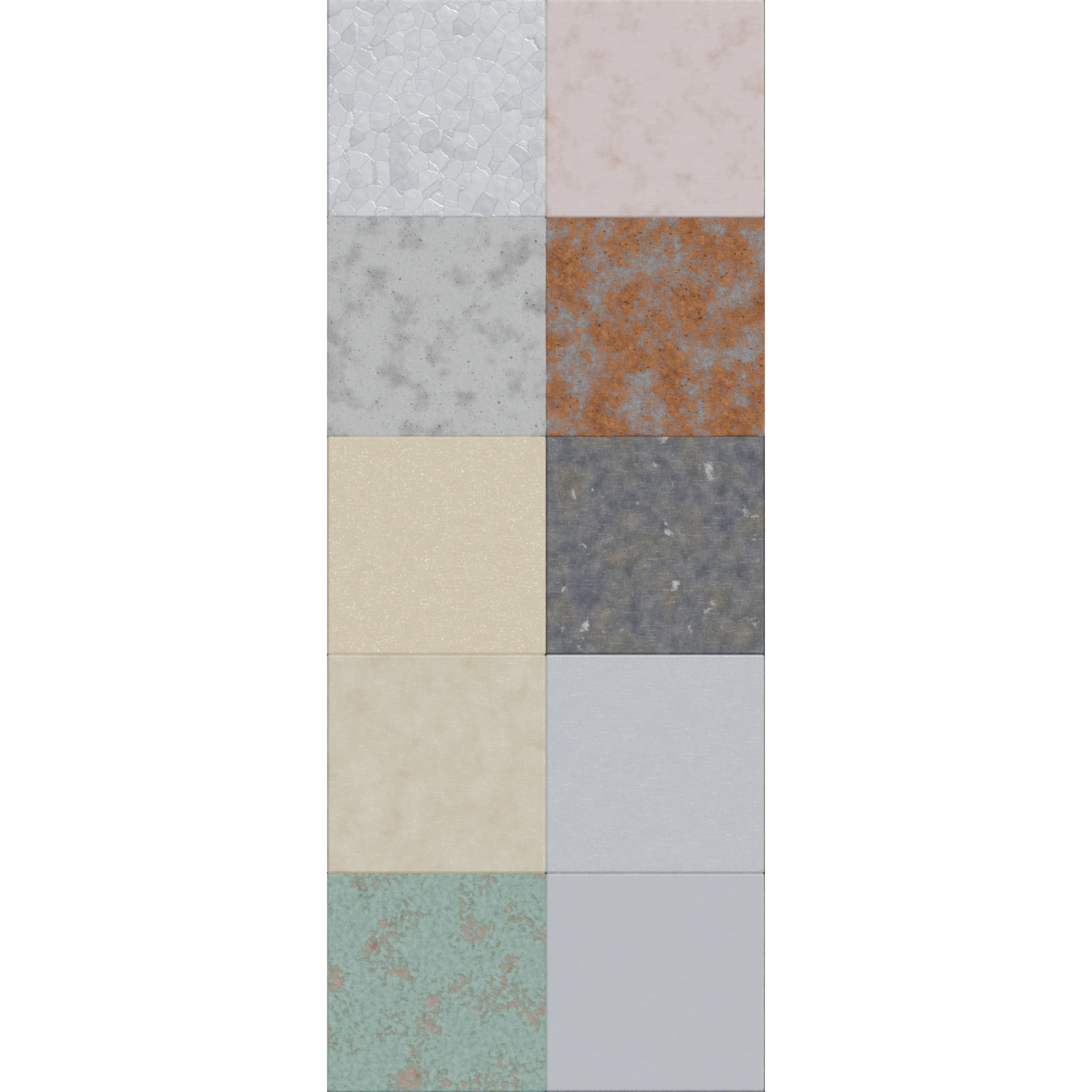
10 Procedural Road Materials for Blender
Ten fully procedural road materials for Blender. No image textures, no UV unwrapping, no resolution limit. Delivered as a ready-to-open .blend with every material applied to a preview cube. Nothing here is a scanned photo or a downloaded texture map, so there is nothing to resize, tile or re-link. Zoom in as far as you want and the detail holds up.
Every material was built and tuned individually rather than being colour variants of one setup.
Several of the materials go beyond bump mapping and use real geometry displacement, driven by Subdivision and Displace modifiers, so worn and eroded surfaces show up in the silhouette and not just in the shading.
What's included
10 unique procedural materials
One .blend file, with each material already applied to its own cube so you can open it and start looking
Every node labelled in plain language, so the setups are readable and editable
A single "Master scale" Mapping node at the top of each material for resizing the whole thing at once
Displacement modifier stacks pre-configured on the materials that use them
Technical details
Made in Blender 5.2.1. Requires Blender 5.2.1 or newer to open.
Built and previewed in EEVEE. The node trees use only the Principled BSDF and standard procedural textures, so they also render in Cycles.
Materials use Object coordinates, so they work on any mesh without UV unwrapping.
No external files, no image textures, no missing-texture warnings. Small download.
Viewport subdivision is set low and render subdivision higher on the displaced materials, so the file stays responsive while you work.
How to use
Open the .blend directly to browse the previews, or use File > Append > Material to pull individual materials into your own project. Displaced materials also need their modifier stack, so append the whole object if you want that geometry detail.
10 Procedural Road Materials for Blender
Ten fully procedural road materials for Blender. No image textures, no UV unwrapping, no resolution limit. Delivered as a ready-to-open .blend with every material applied to a preview cube. Nothing here is a scanned photo or a downloaded texture map, so there is nothing to resize, tile or re-link. Zoom in as far as you want and the detail holds up.
Every material was built and tuned individually rather than being colour variants of one setup.
Several of the materials go beyond bump mapping and use real geometry displacement, driven by Subdivision and Displace modifiers, so worn and eroded surfaces show up in the silhouette and not just in the shading.
What's included
10 unique procedural materials
One .blend file, with each material already applied to its own cube so you can open it and start looking
Every node labelled in plain language, so the setups are readable and editable
A single "Master scale" Mapping node at the top of each material for resizing the whole thing at once
Displacement modifier stacks pre-configured on the materials that use them
Technical details
Made in Blender 5.2.1. Requires Blender 5.2.1 or newer to open.
Built and previewed in EEVEE. The node trees use only the Principled BSDF and standard procedural textures, so they also render in Cycles.
Materials use Object coordinates, so they work on any mesh without UV unwrapping.
No external files, no image textures, no missing-texture warnings. Small download.
Viewport subdivision is set low and render subdivision higher on the displaced materials, so the file stays responsive while you work.
How to use
Open the .blend directly to browse the previews, or use File > Append > Material to pull individual materials into your own project. Displaced materials also need their modifier stack, so append the whole object if you want that geometry detail.

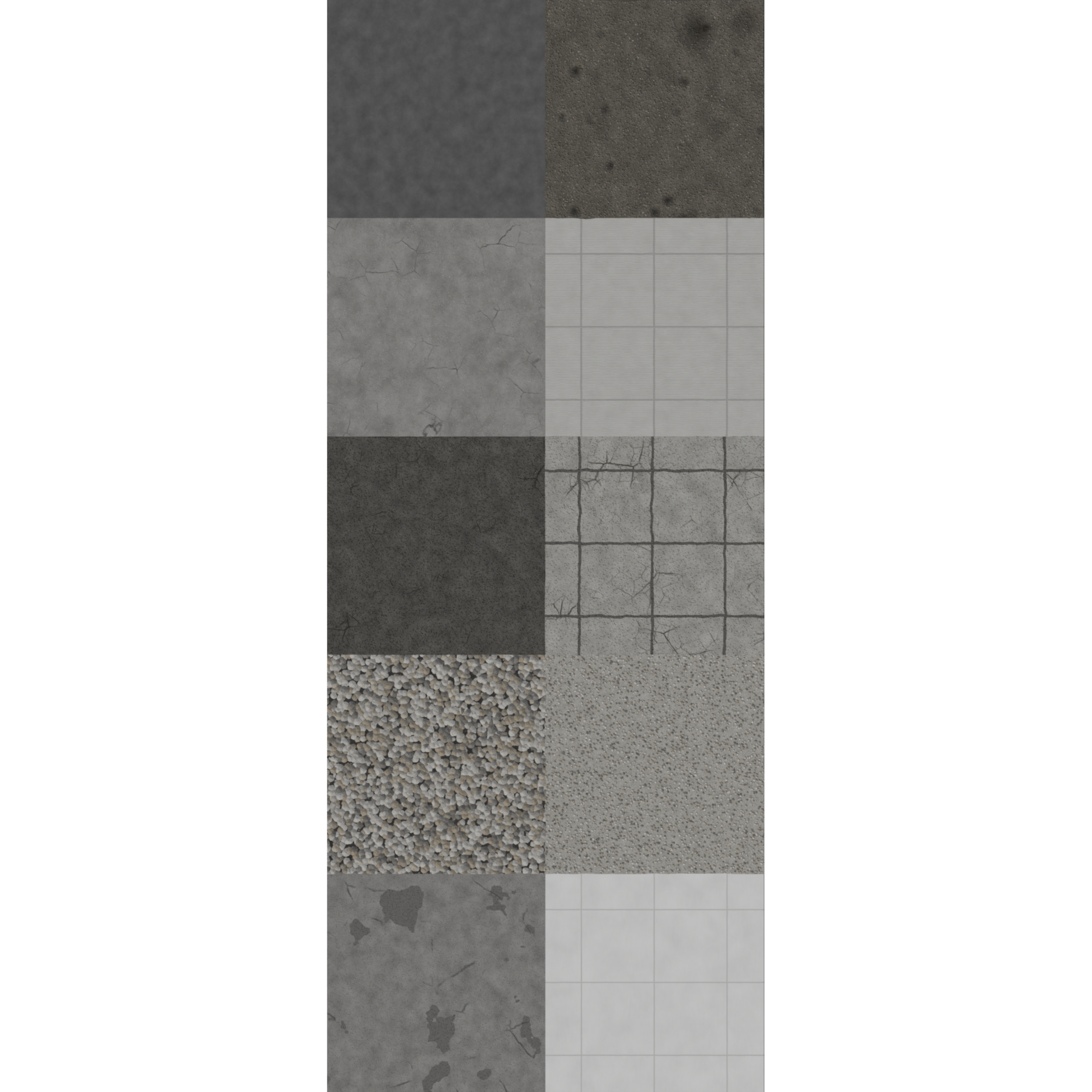 Image 1 of 3
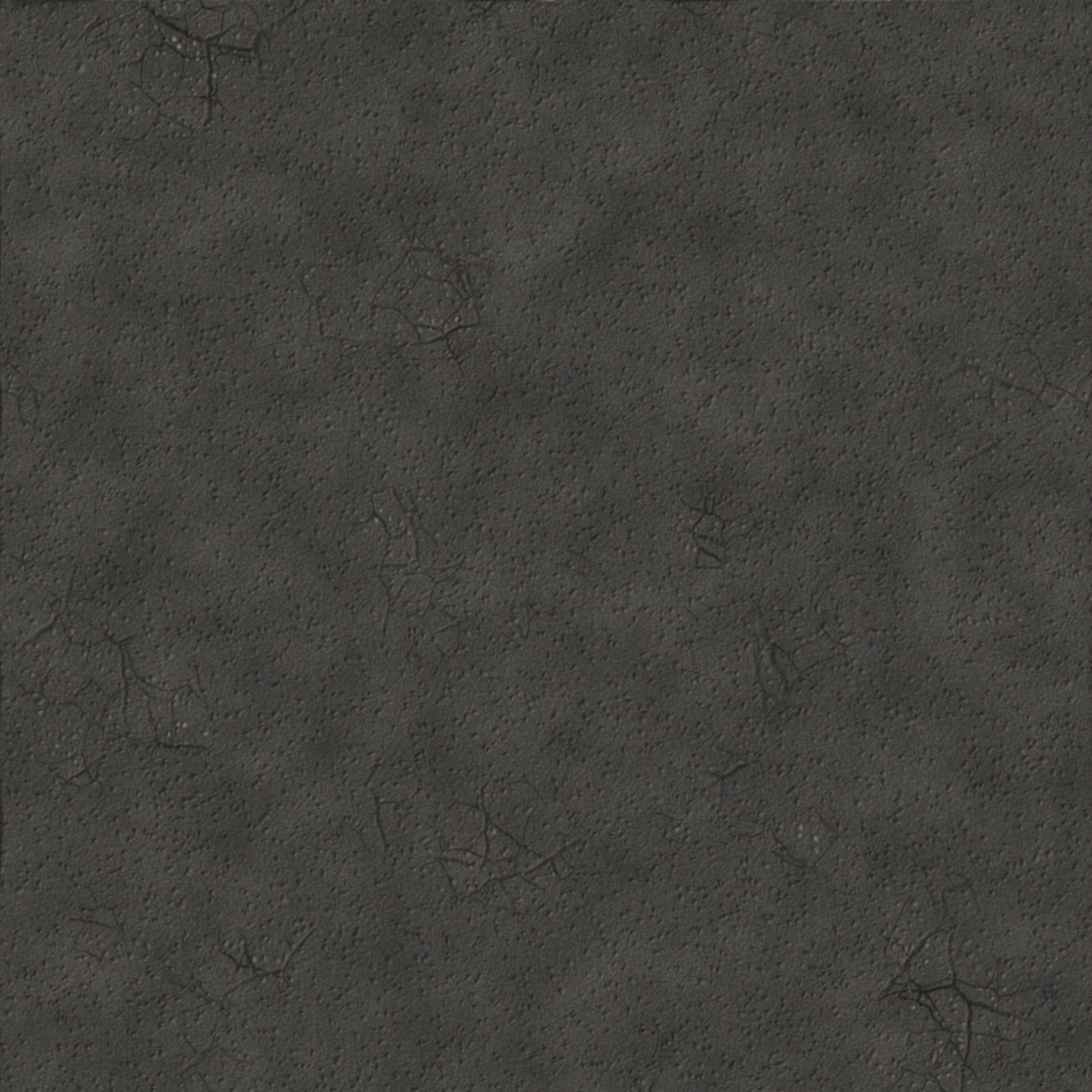 Image 2 of 3
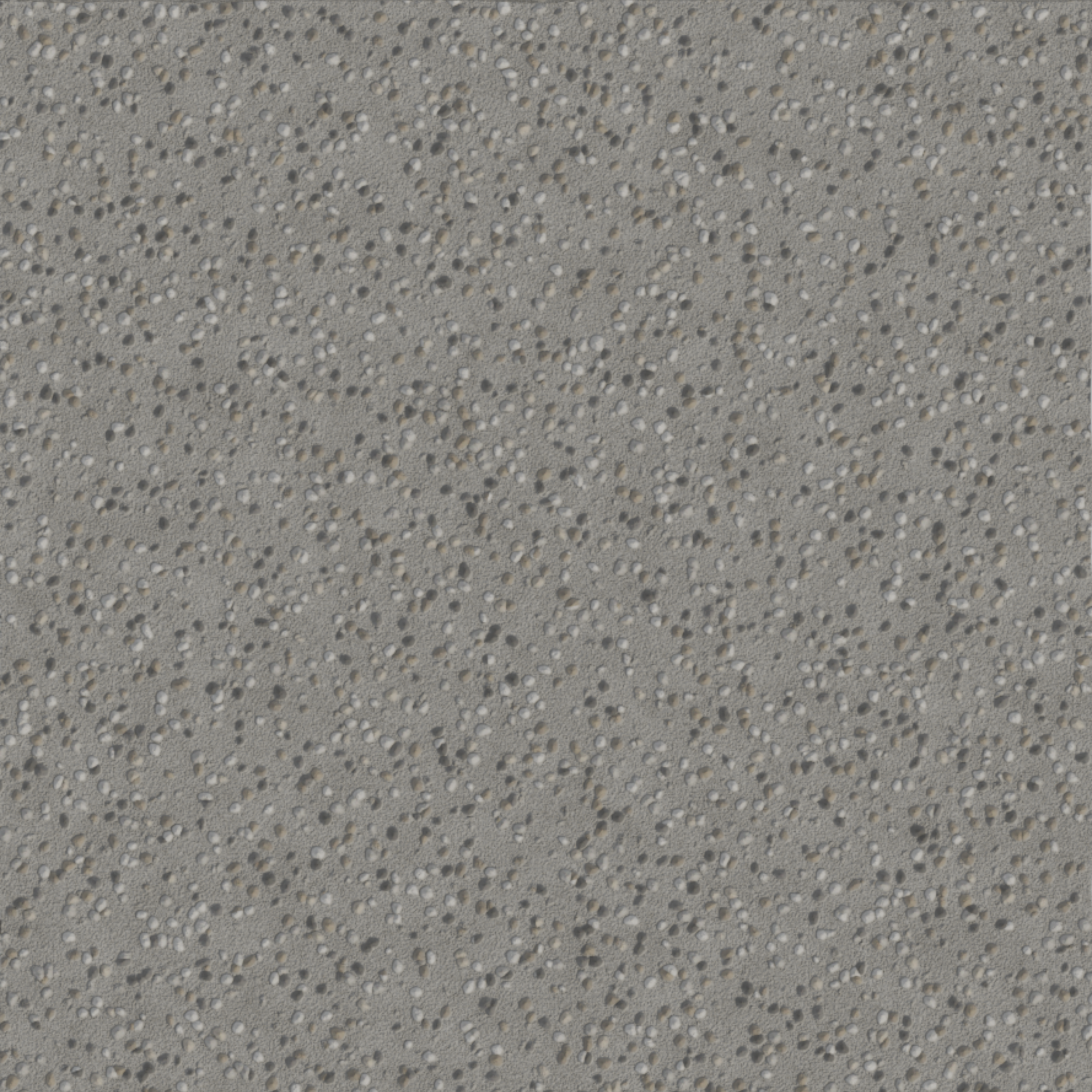 Image 3 of 3